View your class schedule:
- Log into BU Brain
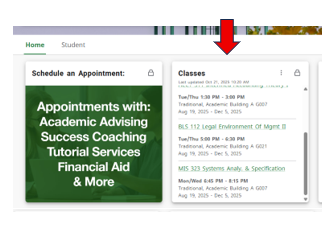
- View your class schedule on the 'Classes' Card.
OR
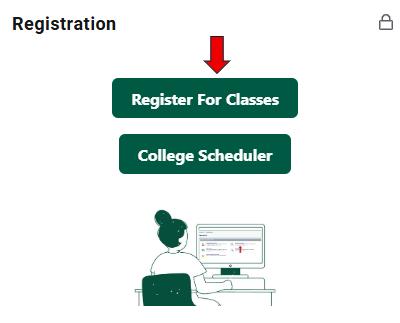
- Click on 'Register for Classes' on the Registration Card
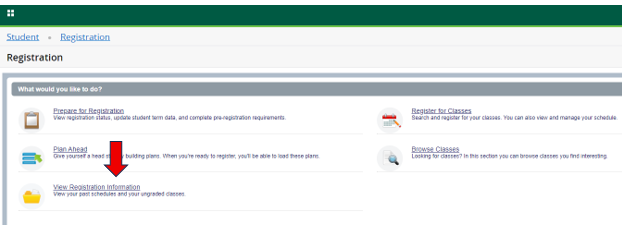
- Select 'View Registration Information'
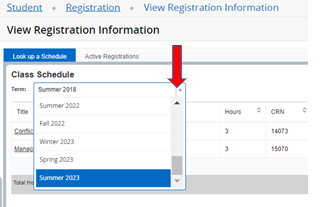
- Select Term from drop-down menu
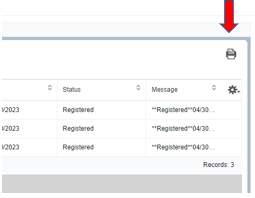
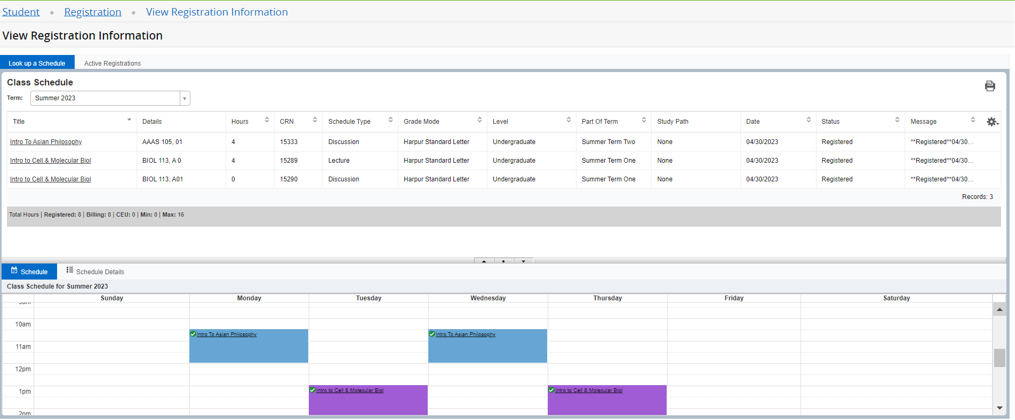
- Registered classes will appear
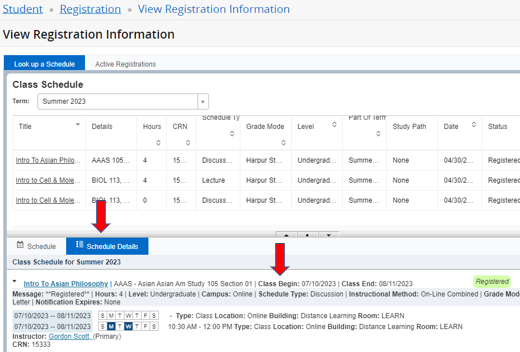
- Select 'Schedule Details' tab to view specific course start dates
- To print, select printer icon at top right of page