About Binghamton University
The best public university in New York
Binghamton University is a world-class institution offering students a broad, interdisciplinary education with an international perspective and one of the most vibrant research programs in the nation.
Who We Are
At Binghamton, we believe that a 21st century college education requires a deep engagement with the world. Our vision is to design a distinctly global educational experience and foster an inclusive campus community that infuses all aspects of college life with an international perspective.
That vision is reality at Binghamton. The University has been recognized with seven national awards for innovation in international education.
Students from more than 100 countries choose Binghamton because they know it's one of few American universities that emphasize meaningful cultural and intellectual exchange.
State-of-the-Art Facilities
Campus Safety
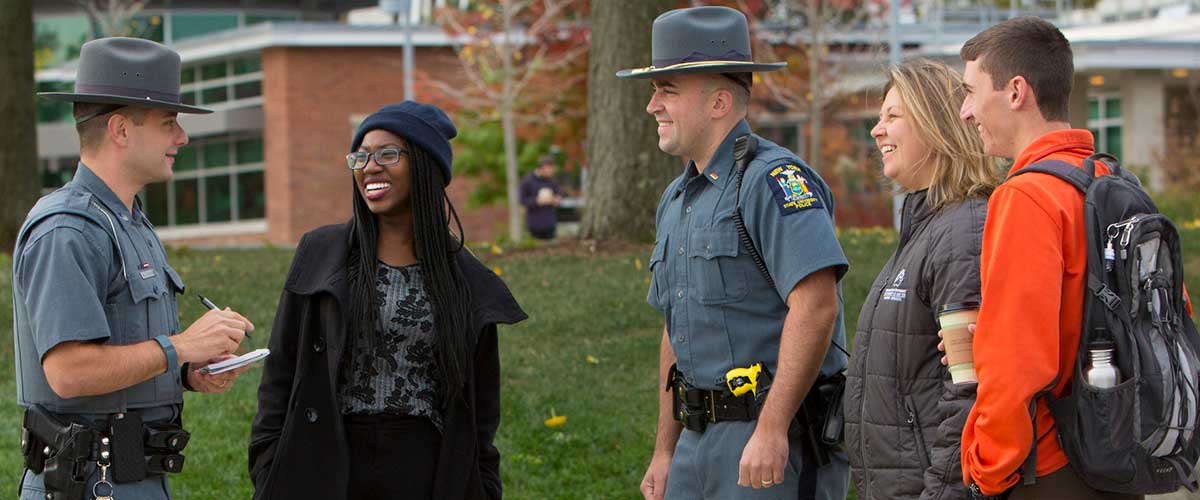
The safety of our students and the entire campus community is of the highest priority at Binghamton University, and we have developed comprehensive programs and procedures to help every member of the University community remain safe. Our safety efforts touch all facets of our students' daily lives, whether in a residence hall, classroom, dining facility, office or out and about on campus.
Where is Binghamton University?
Binghamton University is located in the Southern Tier of upstate New York, just one mile west of the city of Binghamton and a short drive from major urban centers in New York and neighboring states.
- Boston — 5 hr drive
- Montreal — 5 hr drive
- New York — 3 hr drive
- Niagara Falls — 4 hr drive
- Philadelphia — 3 hr drive
- Toronto — 5 hr drive
- Washington — 5 hr drive