Welcome to EdComm
Educational Communications (EdComm) is the hub of audiovisual technology at Binghamton University. We manage and support AV equipment in 160+ general-purpose classrooms and provide custom AV design and construction for over 400 additional spaces across the University. From on-demand assistance through our AV Helpline to professional technology consulting and installations, EdComm is dedicated to ensuring a seamless audiovisual experience for every student, faculty, and staff member.
 |
Expanded support hoursProfessional staff are now also available during evening hours to support our classroom AV systems. Whether it’s a quick question or hands-on help, our techs are ready to assist you over the phone or in person. Please call our AV Helpline at 607-777-4757 from any general purpose classroom, and we’ll ensure you’re up and running quickly. |
Spotlight: Learning Studios
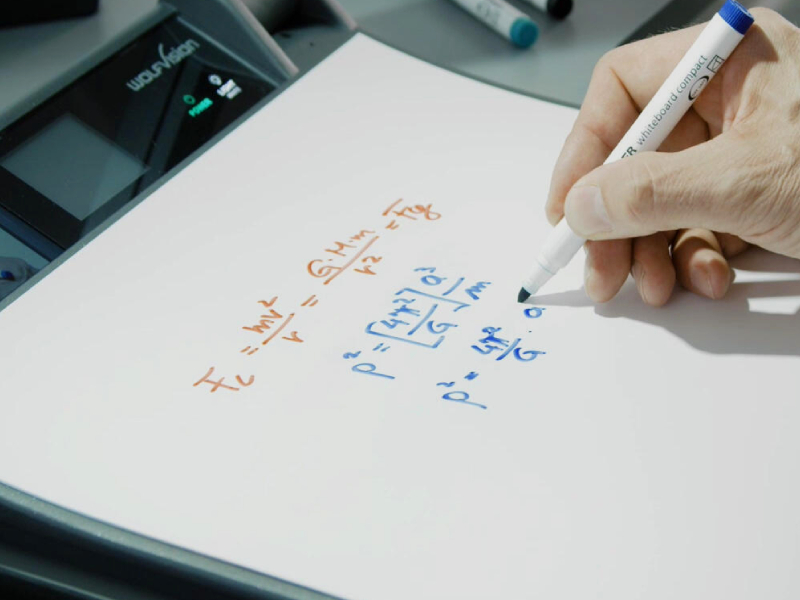
Located in LN 1324C, LN 1302C, and CW 109 on the main campus, Learning Studios are the top of the line classrooms at Binghamton University. Check out the video below to learn more:
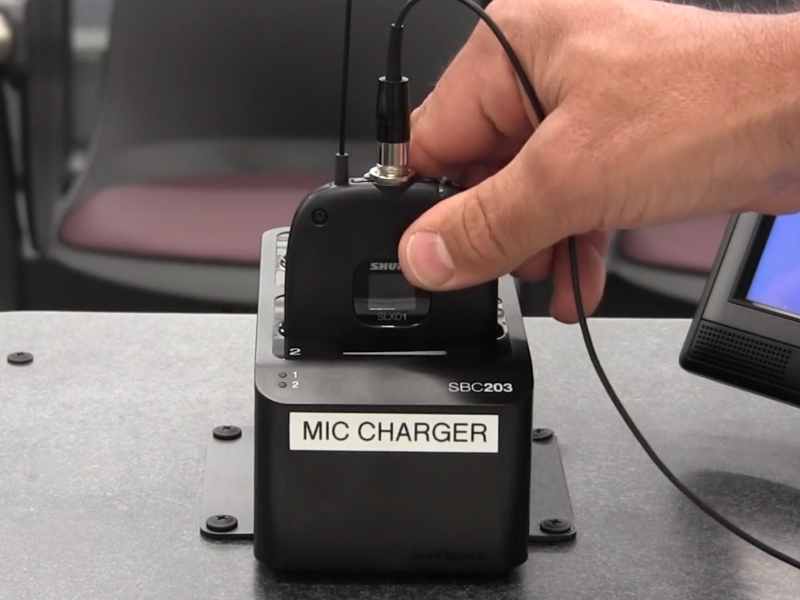
Microphones in classrooms are now rechargeableAdjustments have been made to the microphone systems in medium and larger classrooms across Binghamton University. These microphones are similar to those you have used previously, with one important update: There is now a charging station on the desk that recharges the mic pack’s internal battery, along with a spare battery, whenever they are not in use. It is very IMPORTANT that faculty place the body pack back on this charger after your class, even if the next class is entering the room. Short, intermittent charging throughout the day will ensure a full day's use of the mic battery. |
|

For more information, watch this short video:
Classroom AV System Instructional Videos
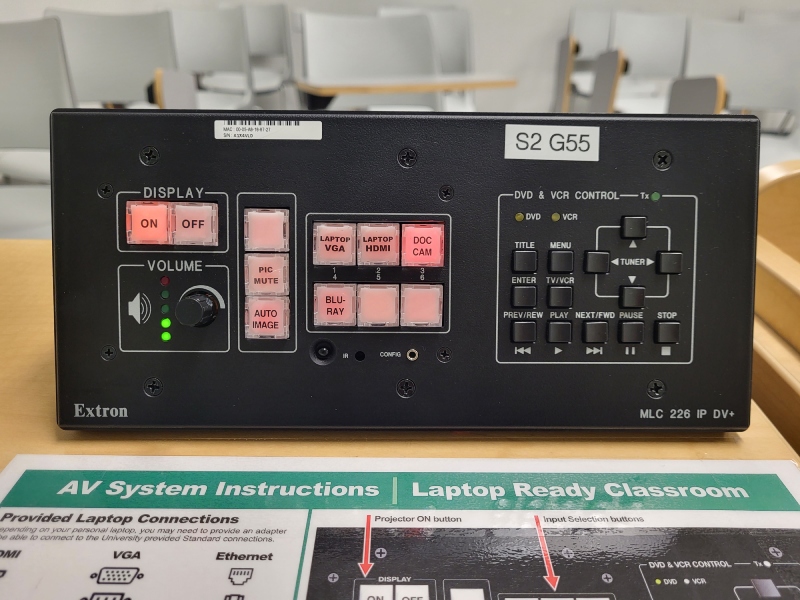 Laptop Ready ClassroomLearn how to operate the Media Link controllers installed in single display classrooms across campus |
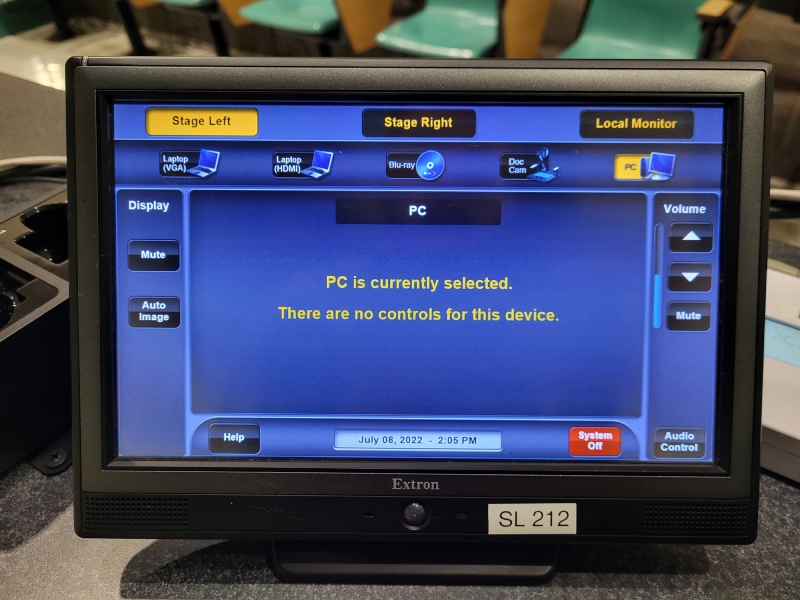 Touch Panel ClassroomLearn how to operate the Touch Panel controllers installed in single and multiple display classrooms across campus |
|---|
Panopto - Automated Class Recording
The following general purpose classrooms feature a Panopto recording / broadcasting system installed in the room.
| CW 108 | CW 110 | CW 202 | CW 212 | CW 214 |
| EB 110 | LH 001 | LH 002 | LN 1324C | SL 206 |
If you are teaching in one of these rooms and would like to record your lectures, please contact EdComm to schedule your automated class recordings.
Request AV Technology
EdComm has a supply of USB microphones, headsets, earpiece wireless systems, USB webcams, and personal amplification units, as well as presentation equipment like projectors, screens, and sound systems. Please email EdComm or call us at 607-777-5505 with your requests.


Disclaimer: EdComm is a support resource for technology-enabled teaching. Instructions offered by EdComm, and found on this page, are not directives towards faculty, nor are they official policy for instruction at Binghamton University campus. They are meant as training and support aids on how to engage the technology available to faculty in classrooms.

